Practice side by side.
Up to seven golfers can hit at once in supported configurations. This is simultaneous practice across separate positions, rather than a group taking turns in one simulator bay.

Commercial golf & entertainment · Canada
Indoor driving ranges and commercial simulator buildouts for Canadian golf courses, hotels, resorts and golf businesses. Bring players together, extend the season and plan a facility around the way you want to operate.
RANGE by TruGolf
Multiple golfers. One panoramic golf environment. A reason to visit in every season.
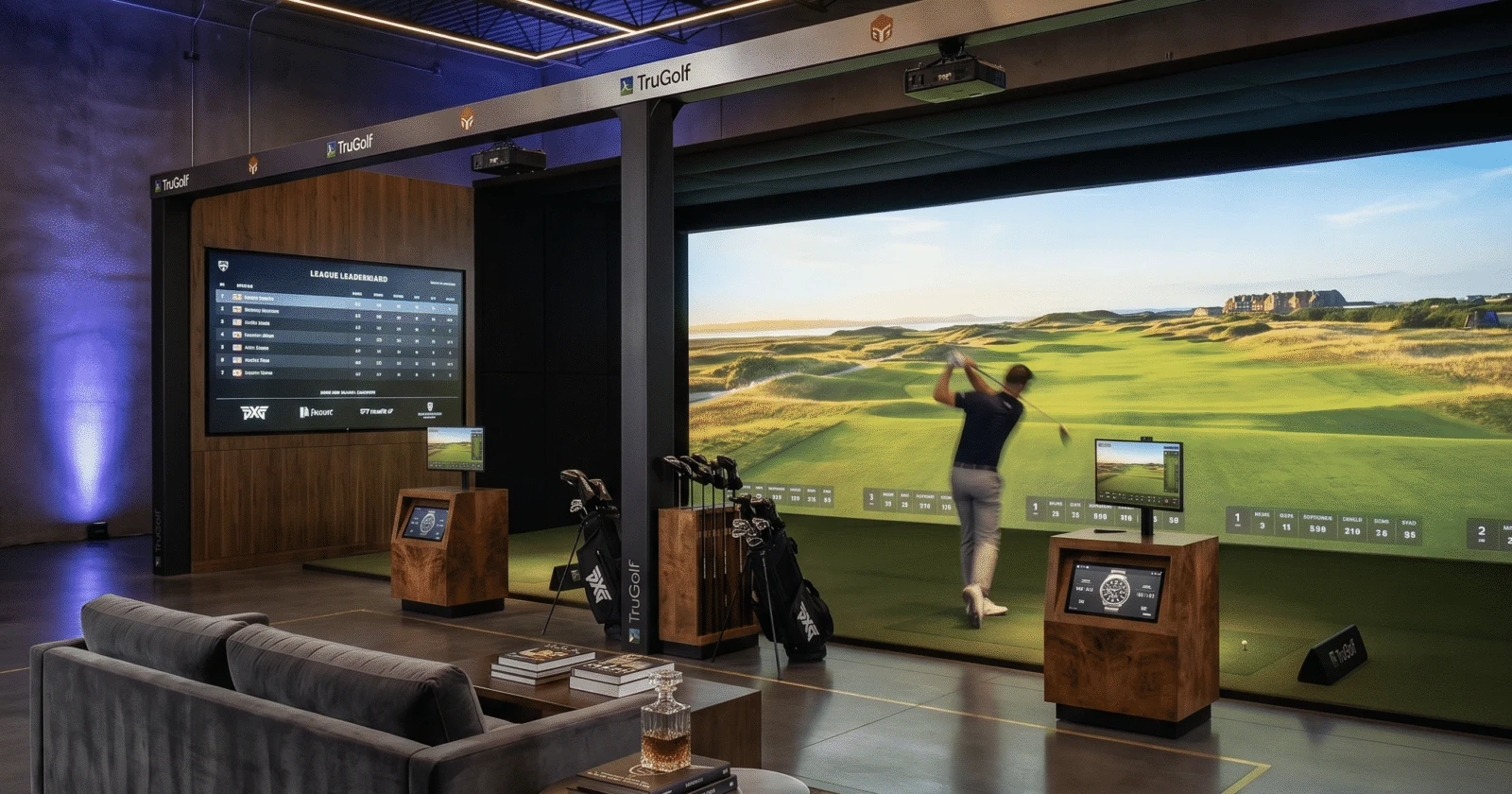
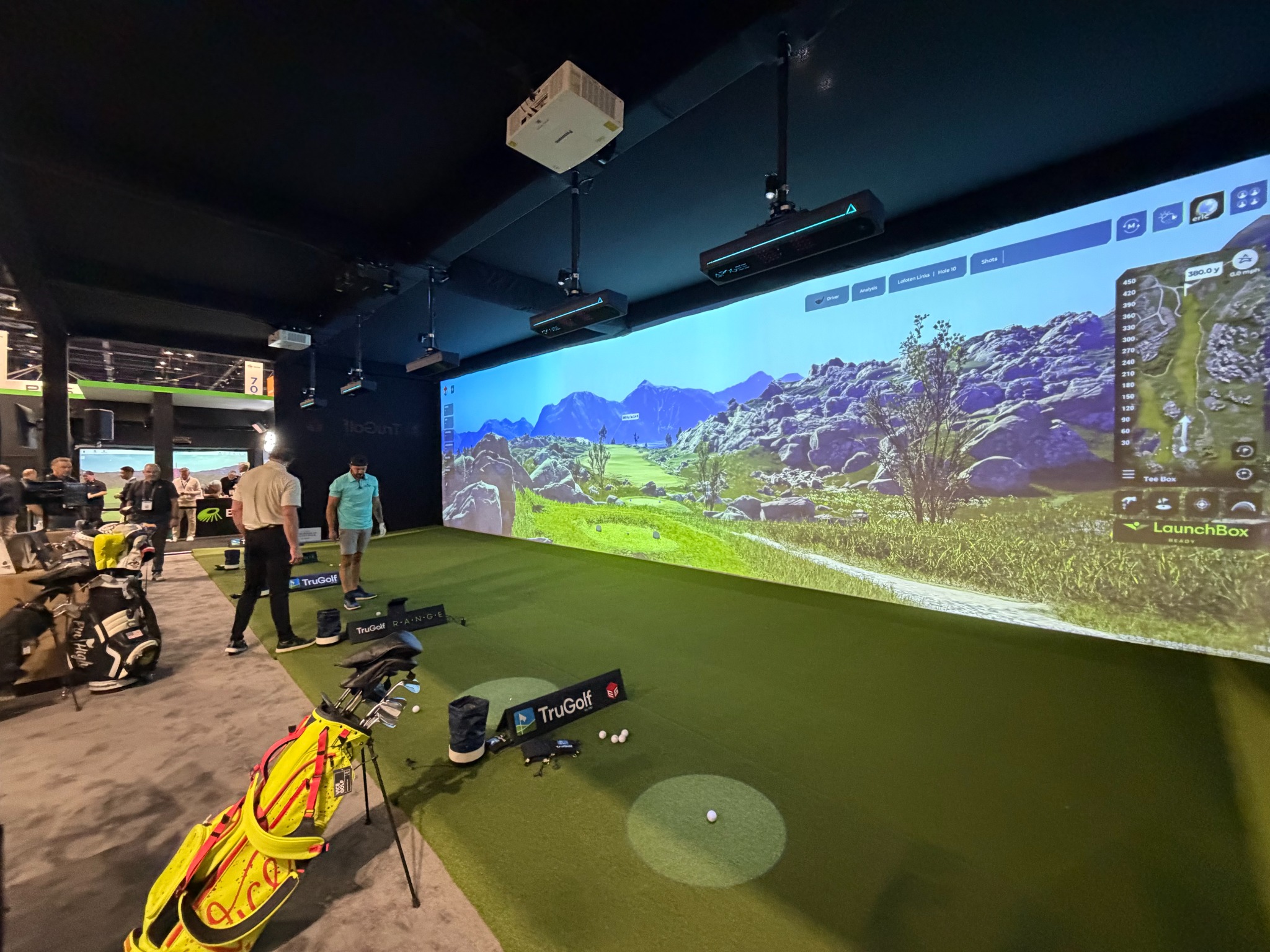
RANGE is an indoor driving range with individual hitting positions facing a shared display. Golfers practice simultaneously, with their own ball flight and swing data after each shot.
Up to seven golfers can hit at once in supported configurations. This is simultaneous practice across separate positions, rather than a group taking turns in one simulator bay.
Individual ball flight and swing feedback give golfers and instructors a practical focus for each session.
RANGE width and hitting-position count can be tailored to the project. Layout, swing clearance and building conditions determine the appropriate configuration.
Plan the business around the experience
Consider paid practice sessions, member access, instruction blocks, junior programs and group bookings. We start with your audience, available hours and staffing so the equipment plan supports how you intend to use the space.
Separate simulator bays can complement RANGE for course rounds and league play. Optional MultiSport adds another activity for families and events. Each experience needs its own confirmed layout, equipment and commercial software scope.
See what goes into your build ↗Make room for more
Give members, guests and local players an experience worth returning for. Plan the technology and space around your audience and operating goals.
Support year-round member practice, coaching, fitting and league programming.
Explore golf course solutions ↗Plan an all-weather golf and entertainment amenity for guests, groups and private events.
Explore hospitality solutions ↗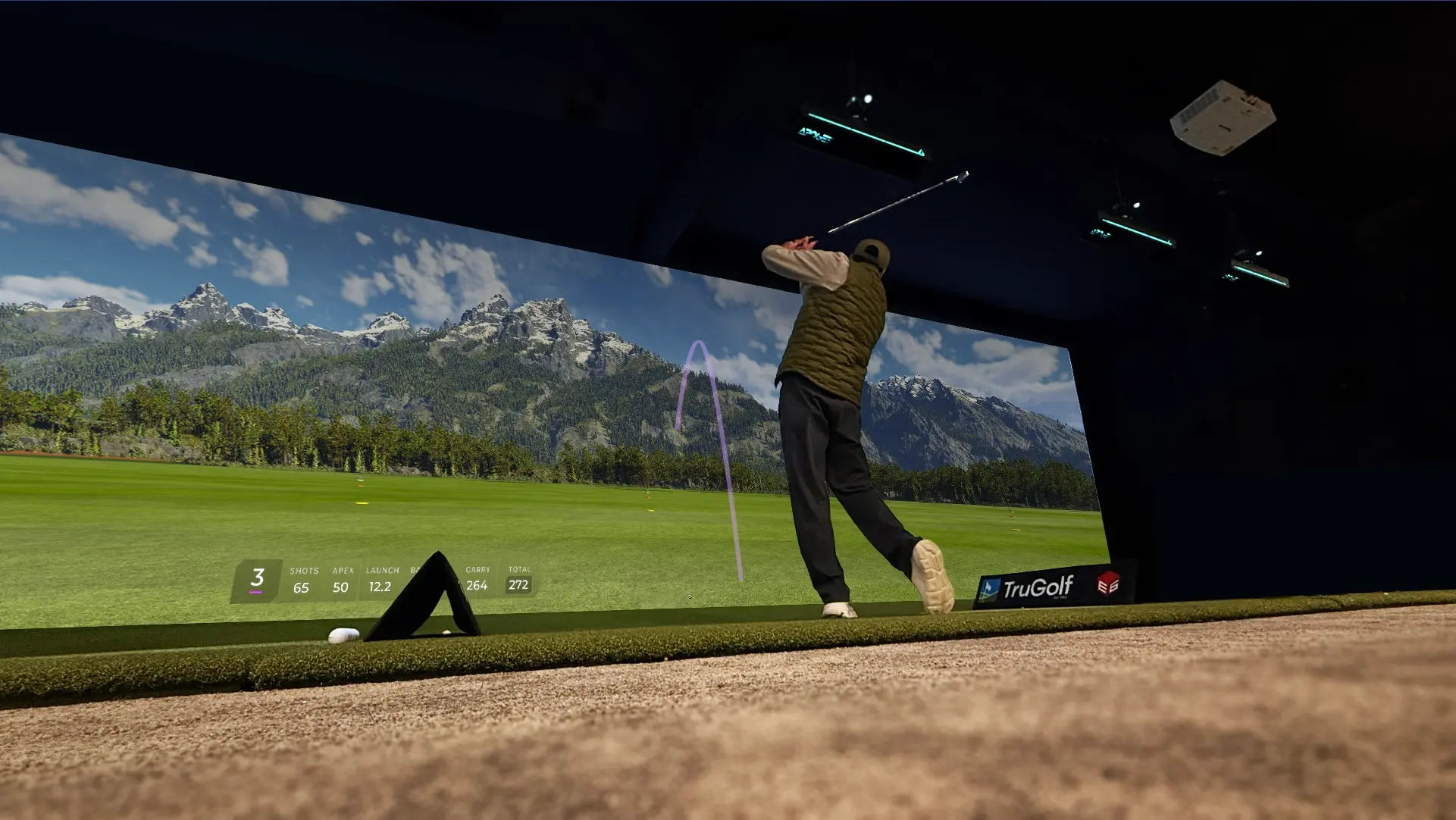
Plan simulator bays, RANGE and MultiSport around your audience, programming and operating model.
Discuss your venue ↗TruGolf manufacturer installations shown as examples of the experience and equipment.
Simulator conversions & upgrades
Bring your existing simulator into the TruGolf experience.
Already operating a simulator from another brand—or an older TruGolf system? We assess your bay for a conversion to APOGEE and E6, with optional MultiSport for broader group appeal.
Compatible screens, enclosures, projectors, computers and hitting surfaces may be retained. Every conversion starts with a site and equipment review.
Request a conversion assessmentYour conversion assessment
Compatibility, costs and downtime are confirmed for your specific facility. Retaining every component is not guaranteed.
Commercial buildouts · From concept to play
A commercial project must work for players, staff and the building. TruGolf Canada helps define the simulator scope and coordinate it with your architect, builder, AV contractor and installation team. Your proposal sets out the deliverables and responsibilities.
Start a project conversation ↗Who will use the facility? Plan for members, paying visitors, hotel guests, lessons or private groups. Establish intended hours, staffing, booking approach and target opening date.
Assess floor plans, ceiling height, swing clearance, player circulation, seating, lighting, acoustics, power and network requirements with your project team.
Define RANGE positions, any separate simulator bays and optional MultiSport. Confirm tracking, screens, projection, computers, software licences and what can be retained in an existing facility.
Document supply, site preparation, installation, commissioning, staff training and support arrangements. Identify construction, permits, trade work and ongoing software charges separately in the proposal.
Powered by possibility
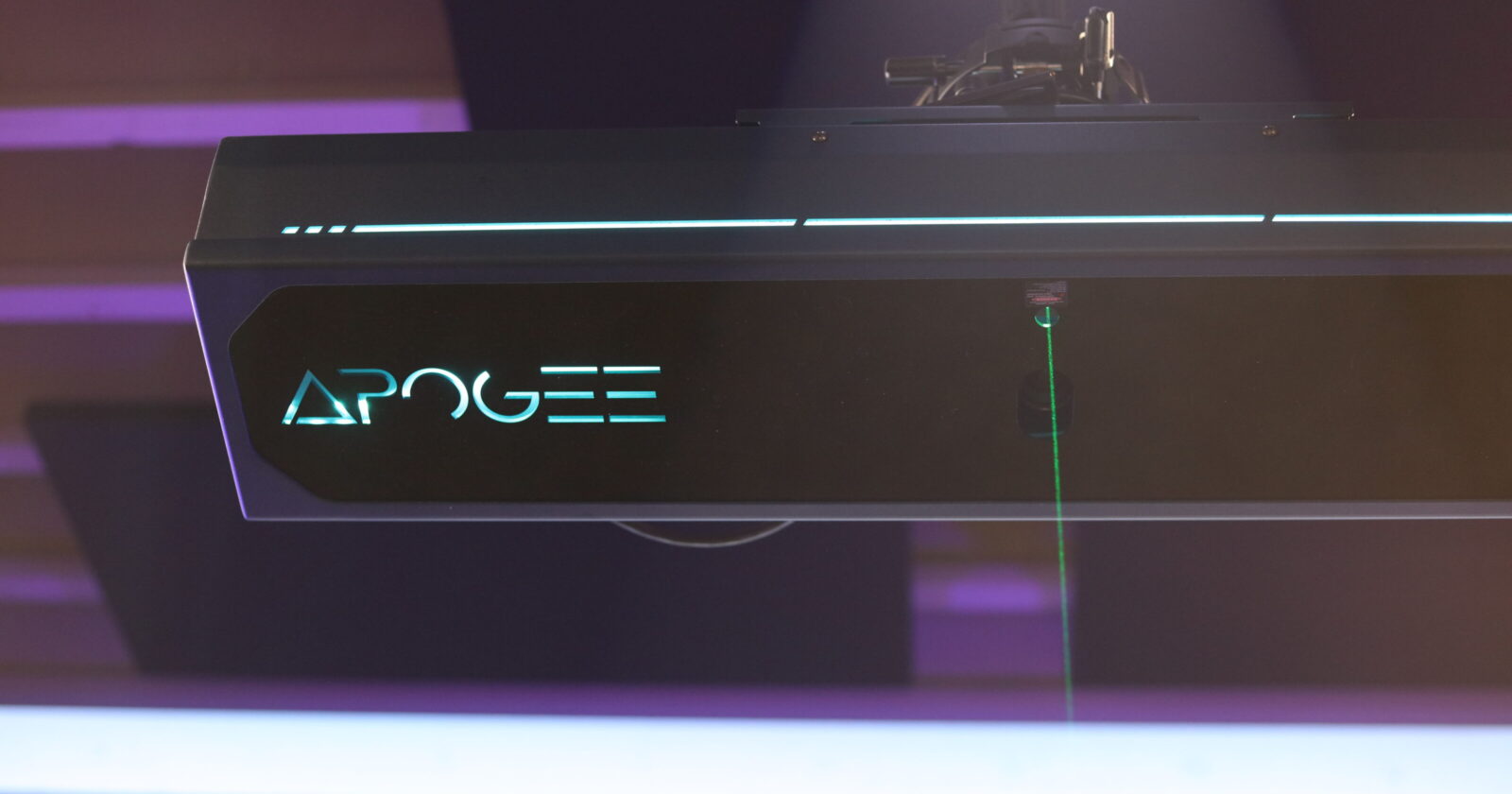
APOGEE tracking and E6 software bring ball flight, feedback and course play into one golf experience.
APOGEE
Overhead tracking keeps the floor clear. Club and ball data, plus Point of Impact replay, help you understand the shot you just hit.
Meet APOGEE ↗Want to see Point of Impact replay? Ask about a demonstration.
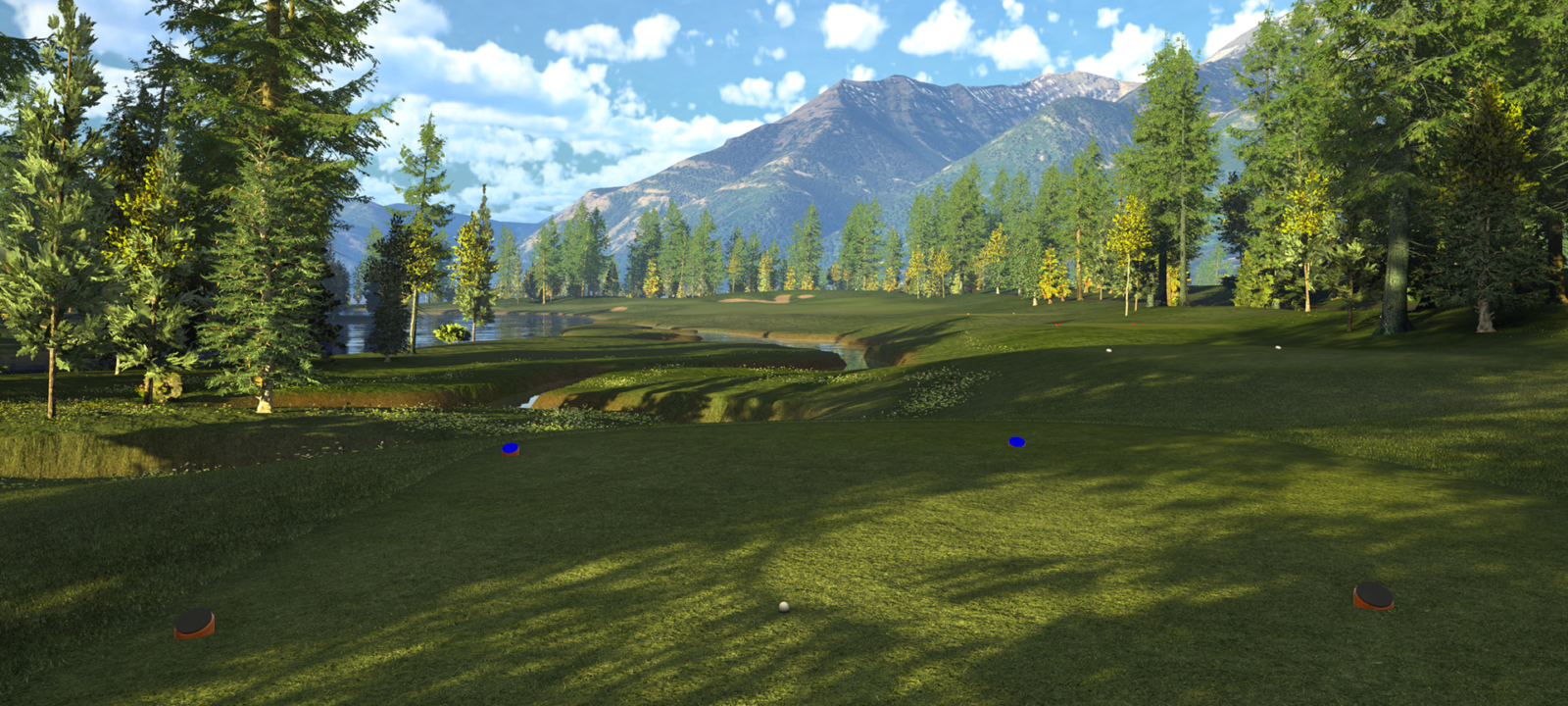
E6 golf software
Explore a library of 15,000+ courses, purposeful practice and skills challenges. Access and features depend on your software plan.
Explore E6 ↗MultiSport ARCADE
Soccer shootouts. Hockey challenges. A baseball showdown. Build group bookings, family activities and event programming around more than golf.
Optional tracking hardware and software turn a compatible simulator space into a multi-sport experience.
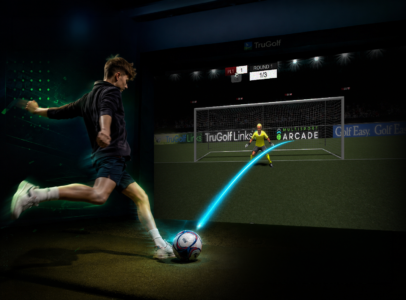
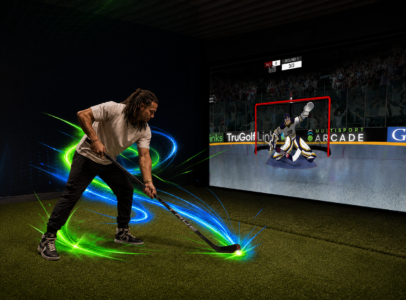
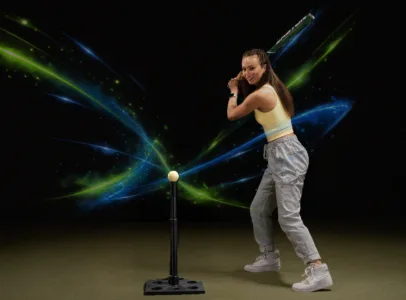
14 games. Three difficulty settings. Up to eight players in supported games.
Explore MultiSportRANGE lets multiple golfers practice simultaneously from individual hitting positions facing a shared panoramic display. A typical single simulator bay is used by one golfer at a time, with groups taking turns. Separate simulator bays can complement RANGE for course play and leagues.
Yes. A facility can be planned around indoor range practice, with separate simulator bays and optional MultiSport where appropriate. We review your audience, intended programming, space and staffing before defining the equipment and software scope.
Yes. We can coordinate simulator equipment and site requirements with your appointed project team. The proposal identifies the design information, installation coordination and responsibilities included in our scope.
We help define the simulator plan, equipment specification and supply, installation coordination, commissioning, training and support arrangements. The agreed scope is documented in the proposal. Building works, permits and trade contracts are identified separately.
We assess your existing bay for APOGEE and E6, with optional MultiSport. Compatible screens, enclosures, projectors, computers and hitting surfaces may remain. The assessment identifies required changes; compatibility is not assumed.
Equipment availability, site readiness, contractor scheduling and the extent of the conversion affect timing. A changeover and commissioning plan is agreed before installation. We cannot promise a fixed duration or uninterrupted operation without reviewing the site.
Your proposal identifies the software plan, commercial-use requirements and recurring charges. Course access, online functions and other features depend on the selected licence and compatible hardware.
The proposal identifies the installation, commissioning and training scope, your support contact and the applicable manufacturer warranty. TruGolf Canada helps coordinate enquiries and manufacturer escalation; coverage and service arrangements depend on the equipment and agreements.
RANGE space requirements depend on the number of hitting positions, screen configuration, swing clearance and building conditions. Share a floor plan, width, depth and finished ceiling height so we can assess the appropriate layout.
MultiSport is an optional system with separate tracking hardware, software and accessories. We assess the existing space and equipment for compatibility and confirm the selected games and commercial-use requirements.
Start with your organization, location and project type. We can then collect photographs, room dimensions or floor plans, current equipment, desired opening date and operating goals.
Take the first step
Planning a commercial buildout or converting an existing simulator? Tell us about your facility and goals.
For golf courses, indoor golf operators, hotels, resorts, hospitality venues and their design teams.
Start with Steve Harvey
TruGolf Canada · Canadian project enquiries